
Toner vs drum unit: what is the difference?
Toner and drum are two parts with two jobs. Knowing which one is worn saves you from buying the wrong part.
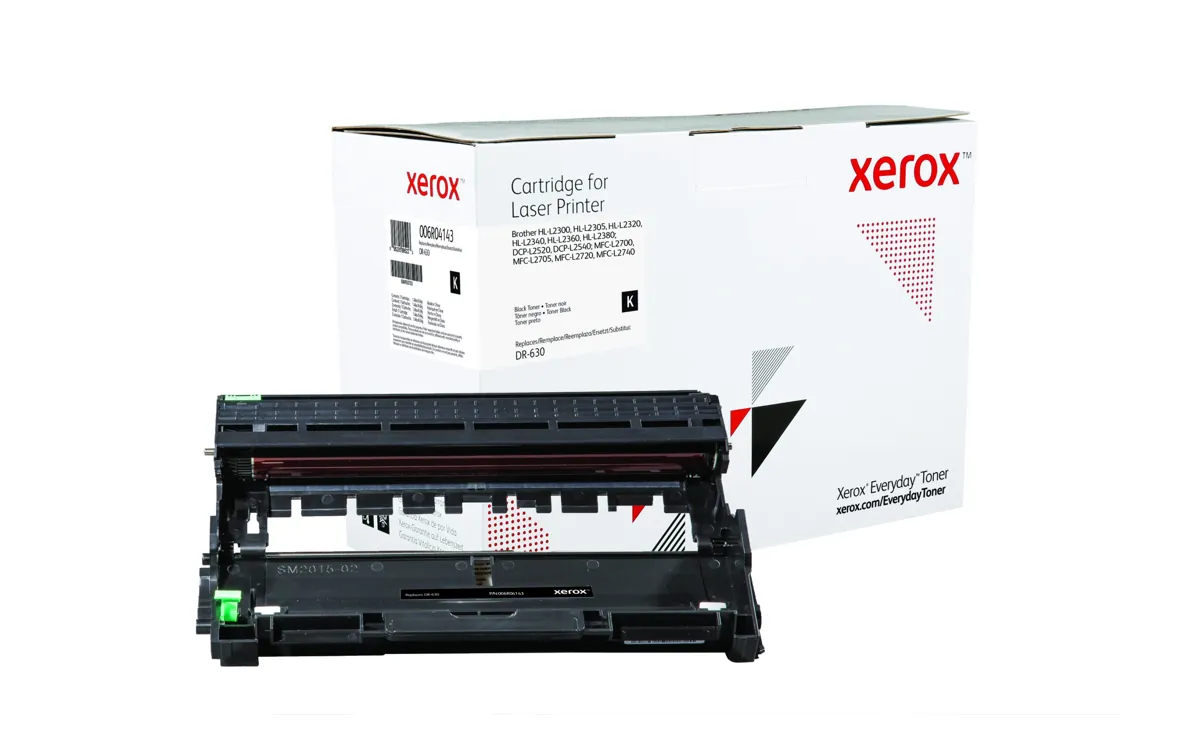
The toner cartridge holds the powder that forms your text and images. The drum is the light-sensitive part that transfers that powder onto paper. Some printers keep the two separate, while others build the drum into the cartridge. Where they are separate, you replace each part only when it wears out.
What does a toner cartridge do?
A toner cartridge holds toner, a fine dry powder in black or color. Brother puts it simply: the toner cartridge contains the powder used to create letters and images.
The printer draws toner from the cartridge as it prints, until the cartridge runs low.
What does a drum unit do?
The drum is a light-sensitive cylinder in the printer’s imaging path. Brother says the drum unit transfers the toner to the paper.
Light and wear slowly damage the drum surface. That is why a drum also needs replacing in time.
Is the drum part of the toner cartridge?
It depends on the printer. There are two common designs, and the part you buy depends on which one you have.
| Separate drum | Drum built into the cartridge | |
|---|---|---|
| Common on | Many Brother printers | Many HP LaserJet printers |
| What you replace most often | The toner cartridge | The toner cartridge, which includes the drum |
| Do you buy a drum on its own? | Yes, when the printer asks for it | No |
| How to tell | The manual lists the drum as its own part number | The manual lists one cartridge only |
How do you know if it is the toner or the drum?
Start with the printer’s message. It usually names the part that needs attention.
| What you see | Likely part |
|---|---|
| Pages get lighter and faded | Toner running low |
| “Toner low” message | Toner |
| “Drum End Soon” message | Drum, near the end of its life |
| “Replace Drum” message | Drum, or a drum counter that was not reset |
| Ghost images that stay after cleaning | Drum |
Can you clean a drum before replacing it?
Often, yes. Brother’s guide for ghost images and repeating smudges walks through cleaning the drum surface first.
Brother adds that cleaning may take several tries. If marks stay after multiple cleanings, the drum may need to be replaced.
How do you handle a drum without damaging it?
-
Keep it out of light. HP warns not to expose a toner cartridge to light for more than a few minutes.
-
Cover the drum if a cartridge must stay out of the printer for a long time, as HP advises.
-
Do not touch the drum surface.
Do you need a new drum every time you change toner?
No. On printers with a separate drum, the drum usually lasts through several toner cartridges. Replace it when the printer asks or print quality points to it.
If your printer builds the drum into the cartridge, the choice is made for you. Every new cartridge brings a new drum.